Somewhere along the way, a budget came to mean one giant spreadsheet with every penny sorted into color coded rows. It looks organized. It’s also a lot to keep up with on a weeknight when dinner still needs making.
So the budget either never gets started, or it starts with big plans and fades by week two. That’s not a sign you can’t do this. The tool was simply bigger than the evening you had.
Printable budget sheets work better in small pieces: one page for each job, filled in with a pen. Below are all 6 free pages, the everyday moment each one is made for and which to print first.
Page 1: The Monthly Budget Gives Every Dollar a Job
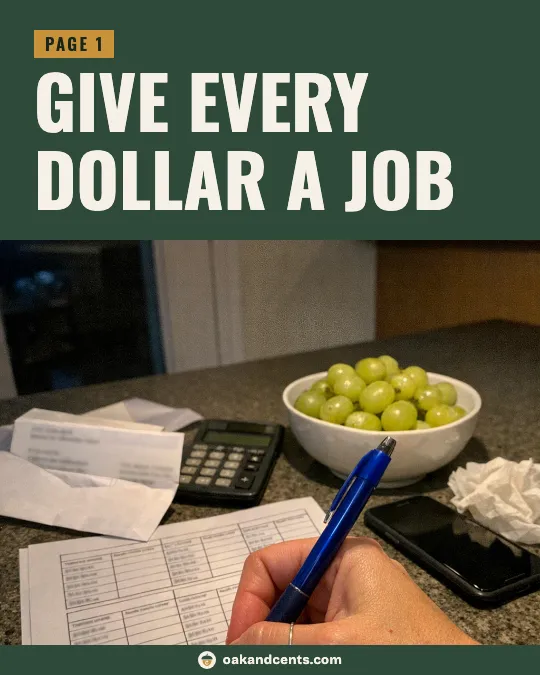
The paycheck lands on Friday. By Wednesday, groceries, gas and a school field trip have each taken a bite, and you’re not quite sure where the rest went.
That’s the feeling this page is for.
The Monthly Budget is a plan for the month, written before the money is spent. It has a spot for what comes in, your bills that stay the same, the spending that changes, debt payments and savings.
Every line has a Planned column for your best guess and an Actual column for what really happened. The last line, “Left to assign,” shows any money still waiting for a job. The sheet’s note says to aim for $0.
Here’s a made up month. Two paychecks of $1,800 bring in $3,600. Bills take $1,900, spending that changes gets $900, debt payments get $450 and savings get $350.
That adds up to $3,600, so the bottom line reads $0. Not because nothing is left, but because everything has a place.
This week, fill in only the Planned column, with rough guesses, before your next payday. After payday, write what really happened under Actual and see how close you came.
Blank lines are fine the first month. So are guesses.
If you’d like to see the method walked through, our zero based budget example plans one paycheck down to $0.
A plan on paper is easier to keep than a plan in your head.
Page 2: The Bill Tracker Keeps Due Dates From Sneaking Up
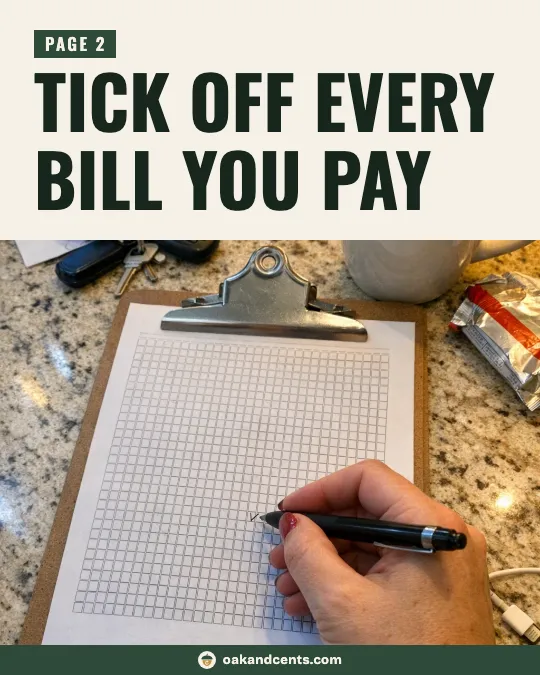
The email arrives on a Thursday: a late fee on the internet bill. You had the money. The date just slipped past on a busy week.
That’s how a lot of late fees happen. The internet is due on the 9th, the card on the 14th, and the phone bill seems to move around.
The Bill Tracker puts the whole year on one page. Each row holds a bill, its due date and the amount, with a little box to tick for every month from January to December.
There’s room for 22 bills, and a total at the bottom shows what they add up to each month. Write “auto” next to any bill on autopay, so you know which ones pay themselves.
Try this: This week, pull your bills from the mail pile and your inbox, then list them in due date order, earliest first. The page will read like a calendar from top to bottom.
After that, you don’t need to check it every day. A quick look once a week is plenty, maybe on Sunday night when you plan meals.
If a few bills land right before rent and squeeze one paycheck, budgeting by paycheck shows how to spread them out.
Twelve little ticks per bill, and the whole year sits on one page.
Page 3: The Expense Tracker Shows Where the Little Things Go
It’s the last week of the month, the bank app shows less than you expected, and you can’t point to one big purchase. Just a coffee here, a school fundraiser there, a quick stop for milk that turned into $40.
Small purchases slip away because each one feels too small to count. That’s not a character flaw. It’s what a busy day does to memory.
The Expense Tracker is a simple log with room for 25 purchases. You write the date, what you bought, a category and the amount, with your spending budget at the top and what’s left at the bottom.
With made up numbers, a $600 spending budget and $545 spent by the end of the month leaves $55.
This week, keep the page where you’ll see it, like on the fridge or next to your keys. Write each purchase down the same day, even the $3 ones.
At the end of the month, add up each category. That’s usually where the surprise shows up, and it feels gentler on paper than on a bank app.
You don’t have to track forever. Even one month shows you a lot about where the money really goes.
What gets written down gets noticed.
Page 4: The Debt List Puts Every Balance in One Place
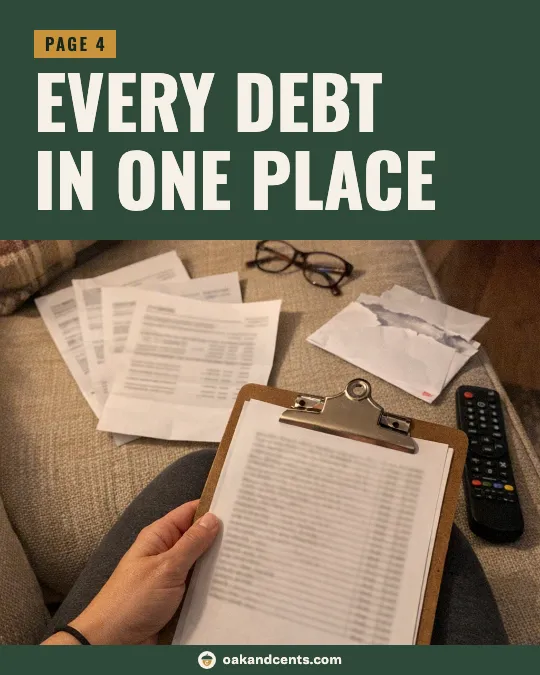
A few statements sit in the kitchen drawer, one card lives only in an app you rarely open, and there’s a store card you’d half forgotten. For a lot of us, this is the page we’d rather skip.
Seeing it all at once can feel heavy. It’s also the moment the worry gets smaller, because now it has edges.
The Debt List has room for 12 debts. For each one, you write what you owe today, the interest rate, the minimum payment and any extra you can add.
A box at the bottom adds your minimums and your extra into one monthly debt payment. With made up numbers: $335 in minimums plus $50 extra is $385 a month toward debt.
A short note beside it explains the two common orders for that extra: snowball (smallest balance first) and avalanche (highest interest rate first).
This week, try one account a night. Log in, copy down the number and close the app. By the weekend, every debt is on one page.
The extra can be small. What matters is that it goes to one debt at a time, and every minimum still gets paid.
If you’d like a page that ranks your debts in both orders for you, the free debt payoff worksheet has circles for exactly that.
A list you’ve written yourself is the start of a plan.
Page 5: The Savings Tracker Lets You Color the Bar as It Grows
The car starts making a new noise on the school run, and your first thought is which card could take the repair. Saving even $1,000 can feel so far away that it’s hard to start.
Paying down debt feels steadier with a small cushion behind you. Saving is slow, though, and slow is hard to see. This page makes it visible.
At the top, you write what you’re saving for, your target and the date you’d like it by. Below that is a bar split into 10 sections, and you color one in each time your savings pass another 10%.
A log underneath keeps track of every deposit and withdrawal.
Here’s a made up goal: a $1,000 starter emergency fund. Each section of the bar is $100, so a $40 deposit and a $60 deposit together fill one section.
Try this: This week, move any amount you can into savings, even $20, and write it on the first line of the log. Then fill in the line beside the bar that says what 10% of your target is.
There’s a withdrawal column on purpose. Using the money for a real emergency means the plan worked. It’s the whole reason the money is there.
If you’re not sure what your target should be, the free emergency fund calculator can help you pick a number.
Ten sections are easier to finish than one big goal.
Page 6: The Sinking Funds Tracker Gets You Ready for Costs You Can See Coming

The car registration notice shows up in the mailbox, for the same amount as last year. You knew it was coming. It still lands like a surprise.
Some costs aren’t emergencies at all. Back to school, holiday gifts and that registration fee all come around on schedule, and each one is easy to forget until the week it’s due.
That’s what a sinking fund is for: money you set aside a little at a time for a cost you know is coming.
The Sinking Funds Tracker holds 6 funds side by side. Each one gets a goal, the month you need it and a monthly amount, plus a spot to note its balance at the end of each month, January through December.
To find the monthly amount, divide the goal by the months until you need it.
With made up numbers: a $360 car registration due in 6 months needs $60 a month. A $500 back to school fund 10 months away needs $50 a month. That’s $110 a month in the “Total per month” box.
This week, pick just one cost from the ideas box at the bottom of the page, like car repairs, pet care or annual subscriptions. Write down its goal and due month, then work out the monthly amount.
You don’t need six funds. One is a fine start. For more help picking them, see what are sinking funds.
Expected costs only feel like emergencies when they arrive unplanned.
How to Use the 6 Pages Together Without Burning Out
All six pages at once can feel like homework. You don’t need them all on day one.
Here’s what each page does, so you can pick the ones that fit this month:
| Page | Its job | Print it when |
|---|---|---|
| 1. Monthly Budget | Plans the month before you spend | You want a plan for every dollar |
| 2. Bill Tracker | Shows due dates and what’s paid | Bills keep sneaking up on you |
| 3. Expense Tracker | Records every purchase | Money disappears and you’re not sure where |
| 4. Debt List | Puts every debt on one page | You’re ready to pay down debt |
| 5. Savings Tracker | Tracks one savings goal | You’re building a cushion |
| 6. Sinking Funds Tracker | Saves for costs you know are coming | Yearly bills keep catching you off guard |
Start with pages 1 and 2. When they feel easy, add one more.
Pick one budget day a month and keep it, like the day after payday. Fill in the new month’s plan, tick off last month’s bills and update the totals.
Your plan in one line: one budget day a month, two pages to start and one new page only when the last one feels easy.
If you’d rather type than write, the free monthly budget template does the math for you. It’s an Excel file that also opens in Google Sheets.
A system you can keep beats a fancier one you can’t.
When Budget Sheets Aren’t Enough on Their Own
Some months, the Monthly Budget comes out short no matter how you shuffle it. If that’s where you are, you haven’t done anything wrong. The page is still telling you something true.
These sheets fit well when you have a regular paycheck, even a small one, and want to see where it goes.
Think twice about leaning on paper alone if bills are past due, a debt has gone to collections or the minimums don’t fit. In those cases, rent, utilities and food come first.
A nonprofit credit counselor can sit down with your sheets and help you sort out what to pay first. The National Foundation for Credit Counseling can match you with one.
If you’re starting your first budget while paying off debt, how to make a budget when you are in debt walks through it in five steps.
A budget that shows a shortfall is still doing its job.
Print Page 1 Tonight
That giant color coded spreadsheet can stay unmade. Tonight, all you need is one printed page and a pen.
Print the Monthly Budget and fill in just the Income section and your rent. That’s enough for one evening.
Tomorrow, add the rest of the bills. By the weekend, you’ll have a plan for the month.
One page at a time. That’s how the budget sticks.