It’s the Sunday after payday. The groceries are put away, the kids are finally quiet, and you’re trying to remember if the car insurance comes out of this check or the next one.
Planning every dollar sounds calming. On paper, it can mean a lot of subtracting, numbers crossed out twice and a nagging feeling that something got missed. The plan is worth having. The arithmetic doesn’t have to be yours.
A zero based budget template handles the subtracting for you. You give each paycheck its jobs, and one number stays red until every dollar has one. Here’s how it works, plus a printable worksheet for pen lovers.
Type Each Paycheck and Its Payday First
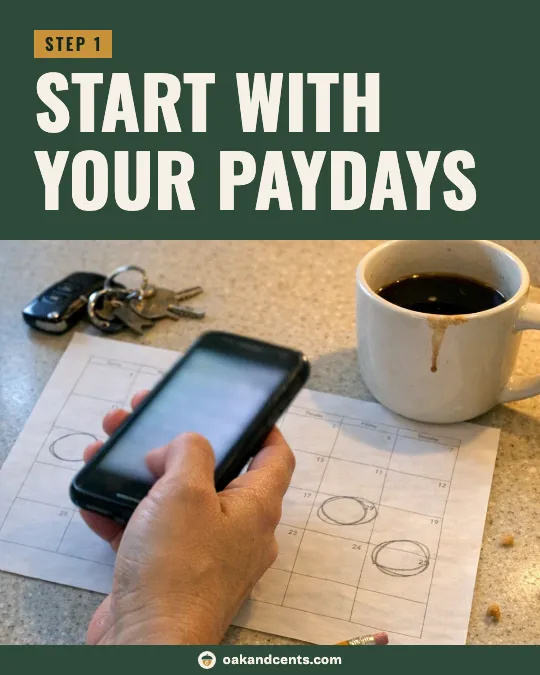
The template starts where your money starts: with each paycheck, side by side.
At the top, there are columns for up to four paychecks a month. For each one, you type the payday and the amount in the cream boxes. The month total adds itself up.
Here’s the example in the file, with made up numbers. Paychecks land on November 6 and November 20, $1,950 each. That’s $3,900 for the month.
Why bother with the dates? Because any bill due before your next payday has to come out of this paycheck. Seeing the paydays at the top makes that easy to keep in mind.
That doesn’t mean you need four columns. Paid every two weeks, you’ll usually use two. Paid weekly, you’ll use four. The rest can stay blank.
The file opens on a short “How to use” tab, and the example is already filled in so you can see how it works. Type your own numbers over it.
It’s free, with no sign up, and it works in Google Sheets as well. Just upload it to Google Drive first, then open it there.
Start with the money that’s really coming. Everything else follows from it.
Give Every Dollar From Each Paycheck a Job
Below the paychecks is the list of jobs, one row per category. The example has 23 of them, and there’s room for 30.
Each category has a box under every paycheck, so you choose which check pays for what.
In the example, the November 6 paycheck covers rent ($1,200), water, car insurance, the store card and medical bill payments, and half of the groceries and gas.
A little of it also goes to giving, the emergency fund, household costs, the kids and fun money.
The November 20 paycheck covers electric, phone, internet, the car loan and the Visa and Mastercard minimums. It also takes the other half of the groceries and gas, a $150 extra debt payment and money for Christmas and car repairs.
A simple order helps:
- Bills due before the next payday.
- Food and getting to work.
- Minimum payments on every debt.
- Then extra debt payments, savings and fun.
If you’re not sure which paycheck should pay which bill, our guide to budgeting by paycheck walks through matching due dates to paydays.
For the thinking behind the method itself, the zero based budget example plans one paycheck line by line.
Every box you fill in is one less thing to remember on a busy Tuesday.
Watch the Red Number Count Down to $0

Right under the paychecks sits “Left to assign.” It shows how much of each paycheck, and the whole month, still needs a job.
While money is waiting, the number is red. As you fill in categories, it shrinks. When it hits $0, a short message just below it tells you you’re done.
The template also tells you which way you’re off. Here’s what you might see, using the example’s paycheck 1:
| What you see | What happened | What to do |
|---|---|---|
| A note that every dollar has a job | Both paychecks are fully planned | Nothing. You’re done |
| “You still have $50.00 to give a job.” | Paycheck 1 went up to $2,000 | Give the extra $50 a job, like savings |
| “You’ve planned $50.00 more than you’re bringing in.” | Paycheck 1 dropped to $1,900 | Take $50 back from a flexible line, like fun money |
That’s the whole trick. You never have to subtract by hand or wonder if the numbers line up.
$0 left to assign doesn’t mean $0 in your account. It means every dollar has a plan, including the ones headed for savings.
Try this: Plan your bills first and leave fun money and savings for last. Then use those two lines to land exactly on $0.
When the red number turns to $0, that’s your sign to close the laptop.
Let the Last Dollars Go Somewhere You’ll Be Glad Of
Once the bills and basics are covered, there’s usually a little left in the red number. This is the fun part, because you get to choose.
In the example, savings takes the last $412 of the November 20 paycheck. That’s what brings the month to exactly $0.
Other good homes for those last dollars:
- An extra debt payment. The example sends $150 extra each month. Our free debt snowball spreadsheet shows which debt that extra should go to first.
- Costs you know are coming. The example sets aside $125 for Christmas and $75 for car repairs. That’s a sinking fund at work.
- A little fun. The example gives $10 of fun money from each paycheck. Small, but it’s there on purpose.
That doesn’t mean every leftover dollar has to go to debt. A plan with some savings and a little fun in it is often easier to stick with.
If you’re paying down cards, the debt payoff calculator can show what a steady extra payment does over time.
Leftover money with a job is money that doesn’t quietly disappear.
Track Spending as the Month Goes

Planning is half of it. The other half is noticing what really gets spent.
Every category has a “Spent so far” box and a “Left in this category” box. Once or twice a week, type in what you’ve spent, and the template shows what’s left.
In the example, groceries have $450 planned for the month. With $198.36 spent so far, $251.64 is left. Across the whole budget, $1,880.03 has been spent so far.
That leftover number is the one to check before the next grocery run. It’s much easier to adjust at the store than at the end of the month.
When a category runs low, you can move money from another one. The month still ends at $0 left to assign, because nothing new was added. The money just changed jobs.
If you share the budget with a partner, a quick message keeps a move like that from being a surprise.
Say this: “Groceries are running a little high this month, so I moved $20 over from eating out. Does that work for you?”
A number you check midmonth is one that rarely surprises you on the 30th.
Use the Printable Worksheet When You’d Rather Write
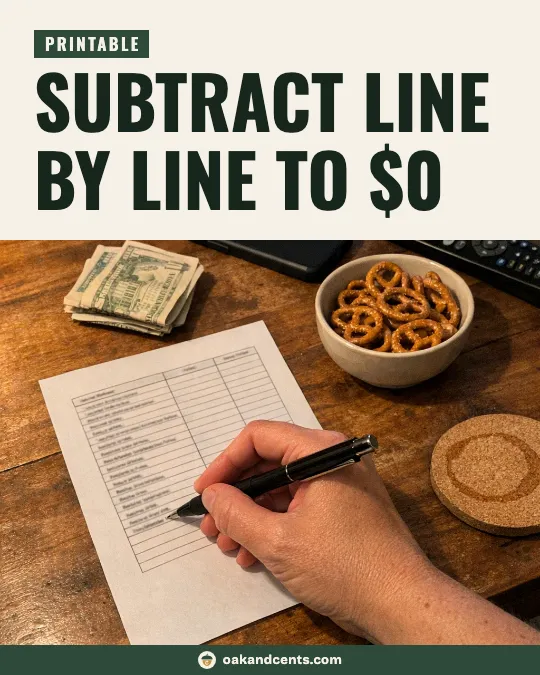
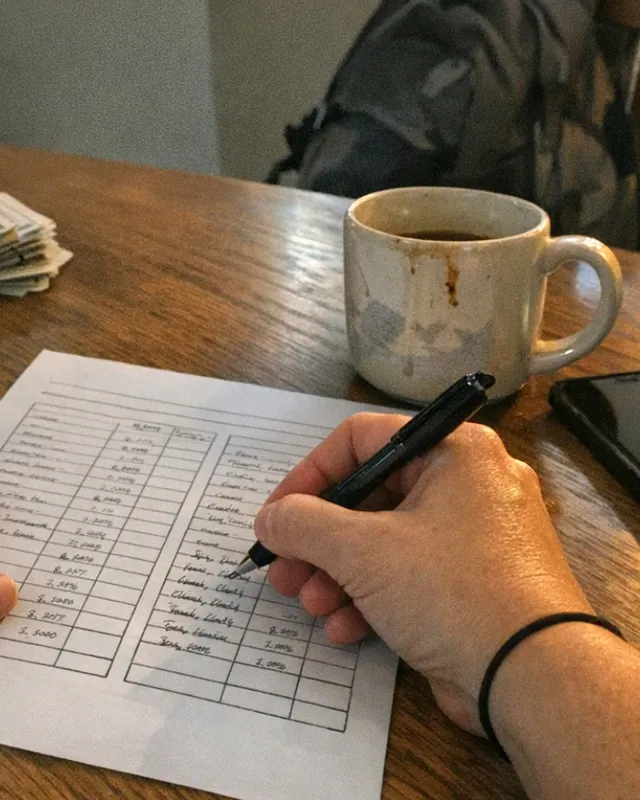
Some people think more clearly with a pen. The free Zero Based Budget Worksheet on this page is one printed page in two steps.
Step 1 is money coming in. There are lines for up to three paychecks, side income and anything else, each with a date and an amount, plus a total.
Step 2 gives every dollar a job. It starts with your total coming in, then has write in lines grouped as bills, food, debt minimums, an extra debt payment, savings, fun money and other.
Next to each line is a “Left to assign” column. You subtract as you go: what was left on the line above, minus this line’s amount.
The last line should reach $0, and there’s a box to tick when it does.
A tip at the bottom covers both ways it can go wrong. Money left over? Give it a job, like an extra debt payment or savings. Gone below $0? Take a little back from fun money or food.
You can use the worksheet on its own, or plan on paper first and type the numbers into the spreadsheet later.
Writing it down by hand can make every dollar feel a little more real.
Weekly Pay, Third Paychecks and Other Curveballs
Pay doesn’t always arrive in a neat two checks a month.
Paid every two weeks? A couple of months each year bring a third paycheck. Use the third column, and give that check a job before it lands, like an extra debt payment or a once a year bill.
Paid weekly? You’ll use all four columns most months. The template has room for four paychecks, so in a month with five paydays, add the fifth to the fourth column, or keep it for next month’s plan.
Pay that changes from week to week? Plan with a lower amount you’ve really earned. When a bigger check comes, update its amount, and the red number shows you exactly how much needs a new job.
If tracking every dollar ever feels like too much, a simpler split can be a gentler start. Our 50/30/20 budget template uses just three buckets.
The plan bends with your paycheck. The goal stays the same: every dollar, one job.
Pay That Won’t Stretch? Get Help With the Order
A zero based template works best when you have regular paychecks and want to see exactly where each dollar goes. It also helps when you’re paying down debt and want your extra payment protected.
Think twice if your income is so irregular that planning every dollar adds stress. A smaller first step, like listing just the bills due this week, may feel better.
And if the template keeps saying you’ve planned more than you’re bringing in, even after trimming, the gap is real. That’s not a planning mistake.
Put rent, the lights, groceries, gas for work and every minimum payment at the top of the list.
After that, a nonprofit credit counselor can help you work out the order for the rest. The NFCC lists agencies that offer that kind of help.
For more on starting while you’re paying things down, see how to make a budget when you are in debt.
Seeing the gap clearly is the first step to closing it.
Open It Before the Next Payday Lands
That Sunday question about the car insurance has an answer now. It lives in one box, under the paycheck that pays it.
Before your next payday, download the template and type in your paydays and amounts. Then fill in the bills due before the following paycheck.
Give the rest a job, one category at a time, and watch the red number fall. When it reads $0, you’re finished for this paycheck.
Every dollar with a job is a little less to carry around in your head.